

As technology advances across all sectors, IT resources are often underutilized, leaving significant potential unused. Virtualization offers a solution by optimizing resource usage through specialized software that virtualizes physical resources, data, and storage.
Have you ever wondered why your IT infrastructure isn’t delivering the expected performance, even after significant investments in virtualization? According to Statista, many companies believe they’ve achieved 70-80% virtualization in their data centers. However, studies show that their servers often perform at just 25-30% of their potential.
The issue usually lies in execution. Virtualization requires more than just deploying Virtual Machines (VMs). When your servers underperform, it affects your entire operation—costs rise, growth stalls, and competitiveness declines.
So, what can you do? In this blog, we’ll learn what virtualization means, how it functions, and the types that can help you optimize your IT environment. The data center can be more than just operational—it can be a crucial driver of success.
What is Virtualization?
Virtualization is the process of creating a virtual version of something that would otherwise exist on physical hardware. Think of it as running a digital twin of a physical device, such as a server, storage, or even an entire network.
Through virtualization, multiple virtual systems run on the same computer—allowing you to use resources more efficiently. It enables you to do more with less, reducing the need for multiple hardware systems.
Technically, virtualization creates multiple logical instances on a single computer’s hardware to fully leverage the system’s underlying resources, enhancing productivity and efficiency.
A hypervisor software enables the distribution of system components—such as storage, memory, and processors—among several independent and secure VMs. Each VM operates with its own OS and utilizes a portion of the system’s hardware resources.
How Virtualization Works
Virtualization abstracts hardware from virtual environments using a hypervisor layer. The hypervisor manages hardware resources and allocates them to virtual machines running on top of it. Here’s how it works:
- Hypervisor Role: Manages resource allocation between hardware and virtual machines, ensuring balanced performance.
- Resource Management: Allocates CPU, memory, and storage to each VM independently and efficiently.
- Isolation: Each VM runs independently, ensuring faults in one VM don’t affect others—maintaining stability and security.
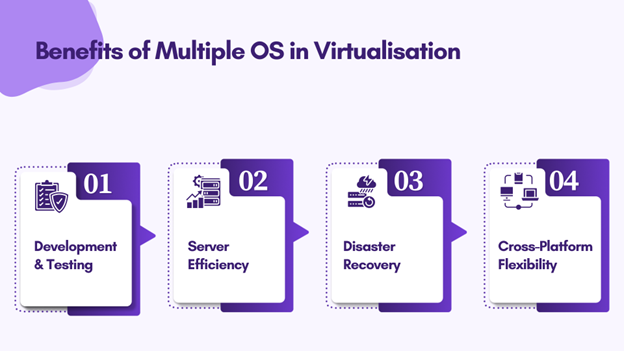
- Development and Testing: Enables simulation of multiple environments without multiple physical systems.
- Server Efficiency: Reduces physical server requirements, saving space, energy, and maintenance costs.
- Disaster Recovery: Simplifies backup and restoration of systems in case of hardware failure.
- Cross-Platform Flexibility: Allows running applications from different OS environments on shared hardware.
Types of Virtualization Technologies
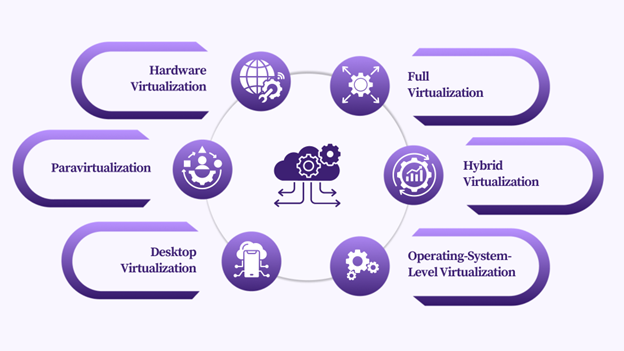
Virtualization includes several technologies designed to optimize IT resources. Below are key types and their benefits.
1. Hardware Virtualization
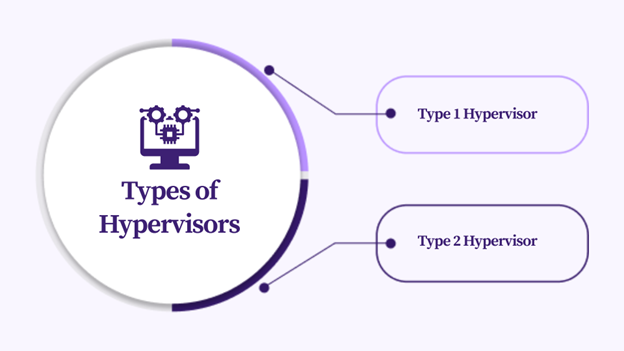
Hardware virtualization lets you create multiple VMs on one machine, each functioning like a separate computer with its own OS and applications.
- Type 1 Hypervisor: Runs directly on hardware, commonly used in servers for efficiency.
- Type 2 Hypervisor: Runs on a host OS—easier to set up but slightly slower.
2. Full Virtualization
Simulates complete hardware, allowing any OS to run without modification. However, it can slow performance due to instruction translation.
- Binary Translation: Converts OS instructions to be compatible with the physical CPU in real time.
- Hardware-Assisted Virtualization: Uses CPU features like Intel VT and AMD-V to improve speed and reduce overhead.
3. Paravirtualization
Here, the guest OS is aware it’s virtualized, reducing overhead and improving communication with the hypervisor. This results in faster and more efficient operations.
4. Hybrid Virtualization
Combines full and paravirtualization for the best of both worlds—compatibility with unmodified OSes and high performance.
5. Desktop Virtualization
Virtual Desktop Infrastructure (VDI) hosts desktops on a central server, enabling remote access and centralized management.
Session Virtualization: Runs multiple user sessions on one server—ideal for shared environments.
6. Operating-System-Level Virtualization
Also known as containerization, it creates isolated environments (containers) within one OS, sharing the same kernel for better efficiency.
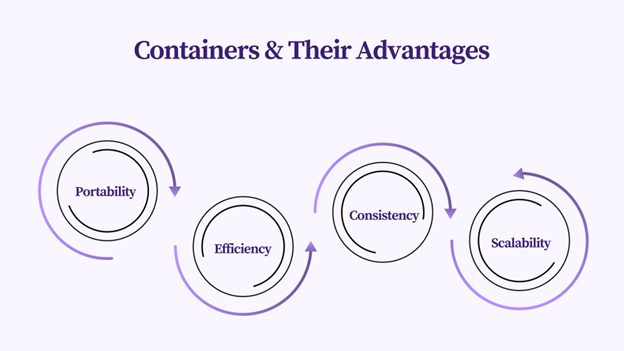
- Portability: Move containers across platforms without compatibility issues.
- Efficiency: Lower resource usage and faster startup.
- Consistency: Uniform performance across environments.
Docker is the most popular containerization platform, allowing consistent deployment across systems.
Comparing Virtual Machines and Containers
| Features | Virtual Machines (VMs) | Containers |
|---|---|---|
| Operating System | Each VM has its OS | Share the host OS |
| Resource Usage | High (full OS) | Low (lightweight) |
| Startup Time | Slow (full OS boot) | Fast (shared kernel) |
| Isolation | Strong (separate kernels) | Moderate (shared kernel) |
| Portability | Less portable | Highly portable |
VMs provide stronger isolation and security but consume more resources. Containers are lightweight, fast, and portable but depend on the host OS for security.
Benefits of Virtualization
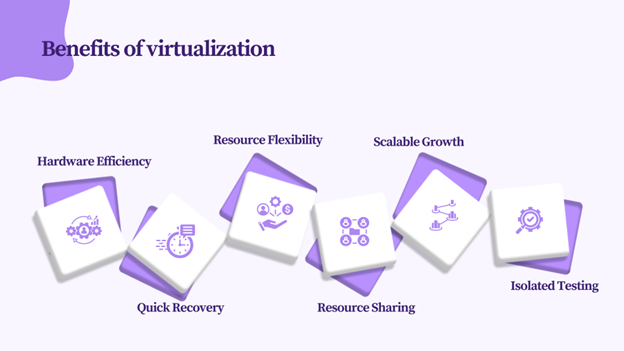
- Maximizes hardware investment.
- Enables quick resource allocation and scalability.
- Facilitates IT growth without major hardware investments.
- Simplifies backup and recovery operations.
- Allows multiple VMs to share hardware resources.
- Supports isolated testing environments for software experiments.
Conclusion
Virtualization stands out as a transformative technology that optimizes resource utilization, drives innovation, and enhances efficiency. Organizations embracing virtualization gain a competitive edge in the digital era.
Calsoft, a leading technology-first partner, helps global ISVs develop products across virtual environments and manage virtualized resources. Our wide range of storage engineering services and consulting expertise empower customers to lead data center transformations and virtualization initiatives.