

Automated testing has revolutionized modern software development and is a key driver behind the rapid growth of applications over the past decade. Before automation, testing was entirely manual — a time-consuming, error-prone, and expensive process. This often delayed software releases, making QA teams appear as bottlenecks in the development cycle.
Testing helps detect issues in the software. Without proper, especially automated testing, you risk missing bugs that could undermine your project’s success. Testing provides clarity on what’s happening within your codebase.
As software grows more complex, ensuring its quality becomes challenging. Automated testing systematically addresses these challenges, ensuring accuracy, consistency, and reliability.
According to Global Market Insights, the Automation Testing Market was valued at USD 22.2 billion in 2023 and is expected to grow at a CAGR of over 17% between 2024 and 2032, driven by technological advancements, regulatory demands, and digital adoption.
Today, automated testing tools are integral to development, helping teams match the speed and scale of modern software demands.
What is Automated Testing?
Automated testing is the process of using specialized tools to run tests automatically. Instead of manually repeating actions, testers write scripts that define the sequence and expected outcomes of tests.
- Catches bugs early and reduces manual effort.
- Ensures comprehensive testing across all components.
- Allows frequent test execution for better scalability and reliability.
How it works:
- Script Writing: Define what to test and the expected outcomes.
- Execution: The system automatically runs these tests.
- Analysis: Review the results to ensure expected software behavior.
Difference Between Manual and Automated Testing
Manual testing involves human testers executing test cases, whereas automated testing relies on tools and scripts to perform these tasks — improving speed, accuracy, and consistency.
| Criteria | Manual Testing | Automated Testing |
|---|---|---|
| Execution | Testers manually perform test steps. | Scripts or tools automatically execute test cases. |
| Speed | Slow for large projects. | Fast, even for repetitive or large-scale tests. |
| Accuracy | Prone to human errors. | High accuracy, minimal human error. |
| Repetition | Tedious and time-consuming. | Efficient for repetitive testing. |
| Cost | Lower upfront but costlier long-term. | Higher initial cost but cost-efficient over time. |
| Scalability | Limited by available testers. | Easily scalable for complex projects. |
| When to Use | Exploratory or usability testing. | Regression, performance, and repetitive testing. |
Which Tests Should Be Automated?
- Repeatable Tests: Automate those run regularly or frequently.
- Deterministic Tests: Clear pass/fail criteria make them ideal for automation.
- Repetitive Tasks: Automation saves time on redundant test execution.
- Business-Critical Tests: Automate key functionalities for reliability.
When to Test Manually:
- Constantly Changing Tests: Avoid automating unstable or changing features.
- Ad-hoc or One-off Tests: Manual testing works best for exploratory checks.
- Early-stage Features: Automate only once features stabilize.
Different Types of Automated Tests
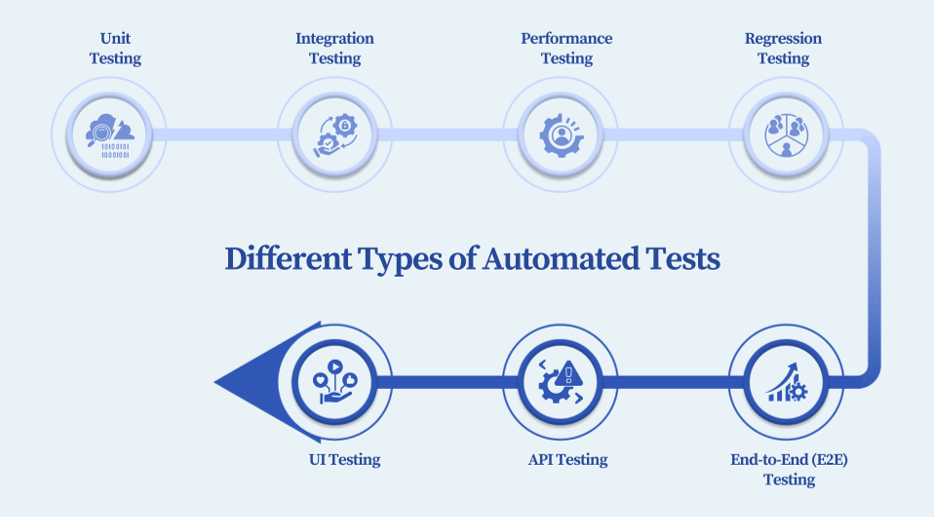
1. Unit Testing
Tests individual functions or modules to ensure each part works correctly. It helps detect issues early and reduces debugging costs.
2. Integration Testing
Verifies how different components work together, ensuring data flows smoothly between modules.
3. Performance Testing
Evaluates software performance under various load conditions, ensuring stability, speed, and responsiveness.
4. Regression Testing
Ensures new updates do not break existing features. Ideal for maintaining system stability during continuous releases.
5. End-to-End (E2E) Testing
Simulates user journeys to verify that all components work together as intended in real-world scenarios.
6. API Testing
Checks whether APIs function correctly and securely, ensuring proper communication between software components.
7. UI Testing
Focuses on verifying user interface elements, ensuring functionality, responsiveness, and consistent user experience across devices.
Benefits of Automated Tests
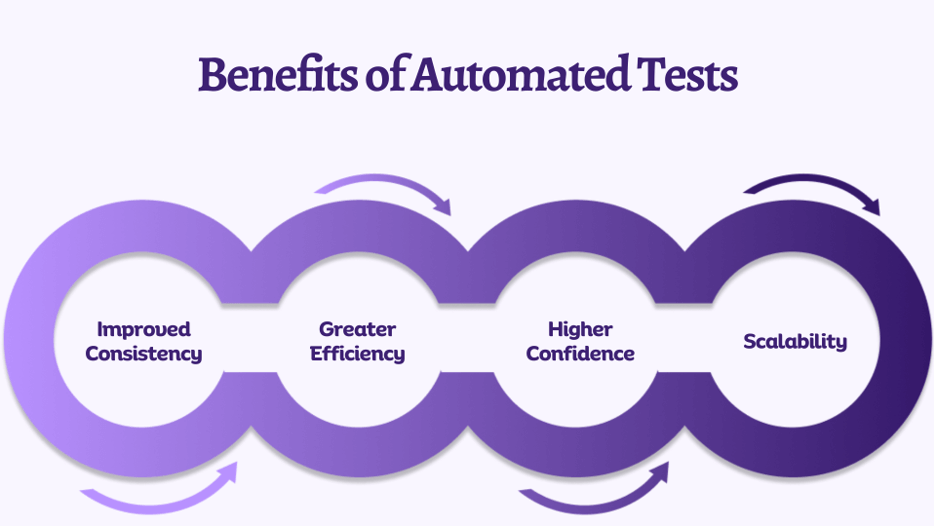
Improved Consistency
Each automated test runs identically under the same conditions, reducing human variability and improving accuracy.
Greater Efficiency
Automation reduces manual effort, enabling continuous testing without human intervention — improving overall productivity.
Higher Confidence
Consistent and repeatable results give teams greater confidence in software quality and stability before deployment.
Scalability
Automated frameworks can easily expand to accommodate new tests, features, or environments as projects grow.
Steps to Implement Automated Tests
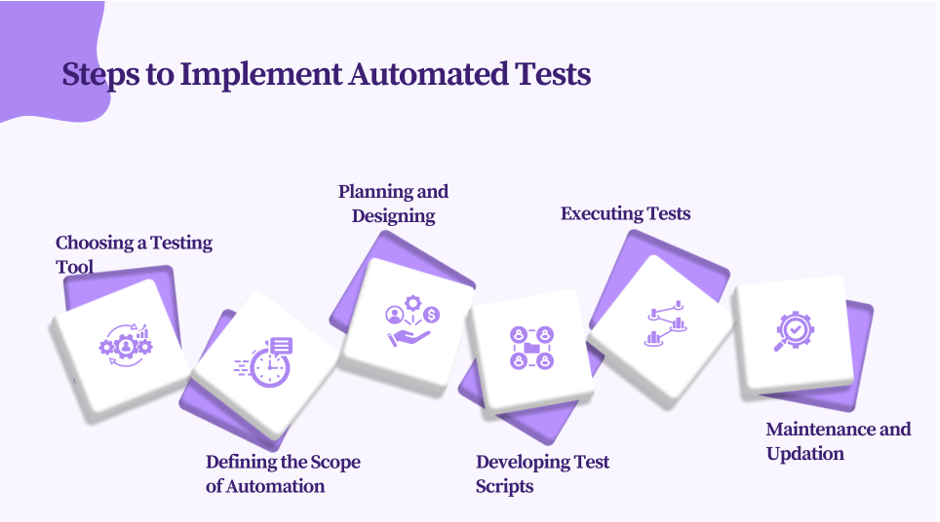
- Choose the Right Tool: Select one compatible with your tech stack and project scope.
- Define the Scope: Focus automation on repetitive, high-impact areas.
- Plan and Design: Create a robust automation framework and structure your test scripts effectively.
- Develop Test Scripts: Write modular, reusable scripts using best coding practices.
- Execute Tests: Run tests regularly to detect bugs early and improve speed of delivery.
- Maintain and Update: Regularly refine your scripts to stay aligned with software changes.
Following these steps ensures that your testing process remains scalable, efficient, and aligned with business goals.
Best Practices in Automated Testing
- Automate repetitive, high-value test cases.
- Choose tools compatible with your existing CI/CD workflow.
- Document test cases for maintainability and scalability.
- Use realistic and consistent test data.
- Write modular, reusable, and maintainable test scripts.
- Integrate tests into your CI/CD pipeline for continuous validation.
- Generate detailed, actionable test reports.
Parting Thoughts
Automated testing is now an essential part of software development, offering benefits like speed, scalability, and precision. By automating repetitive and critical tests, teams can achieve faster releases, higher accuracy, and improved efficiency — while reserving manual testing for creative and exploratory tasks.
Calsoft provides end-to-end test automation services using advanced techniques and tools. Our experts help businesses build and execute automated testing strategies that ensure quality software delivery — on time and within budget.